


How Automatic Screen Capturing Changes the Game.
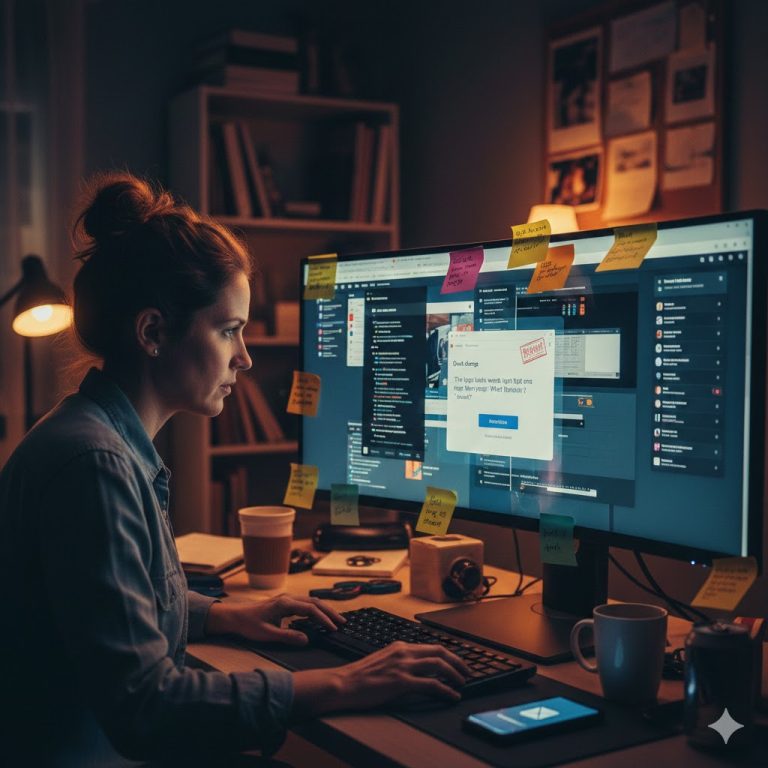
Every developer has been there: a client reports a layout issue, but when you load the page, everything looks perfect. You spend the next hour playing “Technical Support,” explaining how to take a screenshot, how to find their browser version, and how to email the file. This hidden administrative overhead is a silent killer of your hourly rate. Red Ink ends this friction by making visual context a default, not a request.
The “It Works on My Machine” Trap
Without a visual reference, you are flying blind. A “broken layout” could be a caching issue, a specific browser conflict, or simply a misunderstanding of the design. When you force a client to manually capture and send a screenshot, you’re adding “work” to their plate. Often, they’ll skip it, sending a vague text description instead. This leaves you guessing, testing, and ultimately wasting time on non-billable investigative work.
Eliminate the Friction with Red Ink
Red Ink removes the human element from the equation. The moment a client hits “Submit” on the feedback widget, the plugin silently captures a high-resolution screenshot of their current view.
- Zero Effort for Clients: They just type their note; the system handles the visual proof.
- Instant Clarity for You: You see exactly what they saw—scroll position, browser rendering, and element placement included.
- Direct Attachment: Every screenshot is automatically linked to the specific page-level comment in your dashboard.
Focus on Fixing, Not Finding
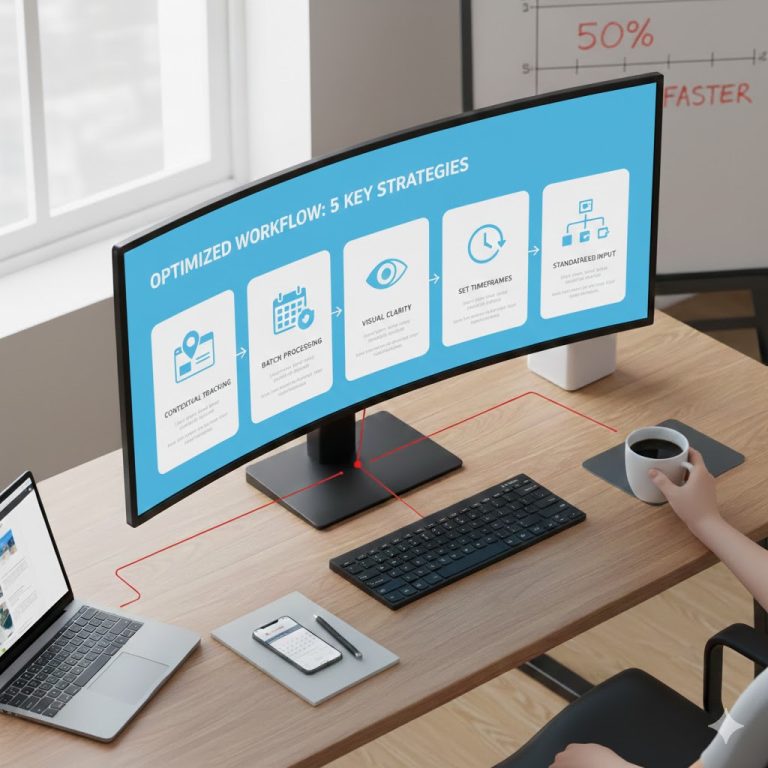
By automating the most tedious part of the feedback loop, you reclaim your focus. You no longer have to ask for clarification or wait for a follow-up email with an attachment. With Red Ink, the context is already there. You can jump straight into the inspector, find the bug, and push the fix. It’s the difference between a 30-minute support call and a 30-second CSS tweak.
Stop being a detective. Start being a closer.